Back

Product Updates

Stay up to date with the latest features, fixes, and enhancements to initdesk.

New Feature

Help Center custom domain

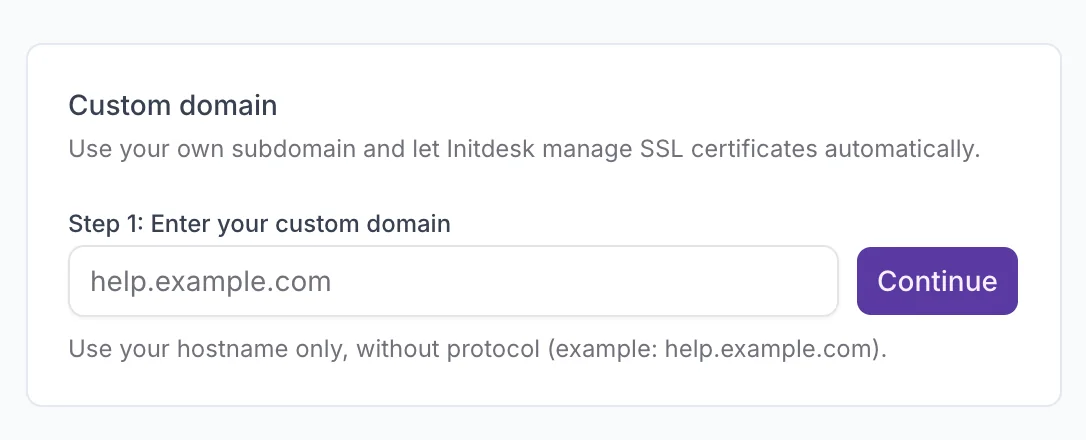
You can now publish your Help Center on your own domain, like help.yourcompany.com, instead of using the default initdesk URL.
initdesk automatically manages SSL certificates, so your help center stays secure over HTTPS without extra configuration.

How it works

  1. Open Help Center → Custom domain
  2. Enter only the hostname, such as help.yourcompany.com
  3. Add the TXT and CNAME DNS records shown by initdesk, then confirm when you're done
Once the records are verified, your custom domain becomes active automatically. Read the full setup guide.
Help Center custom domain setup
New Feature

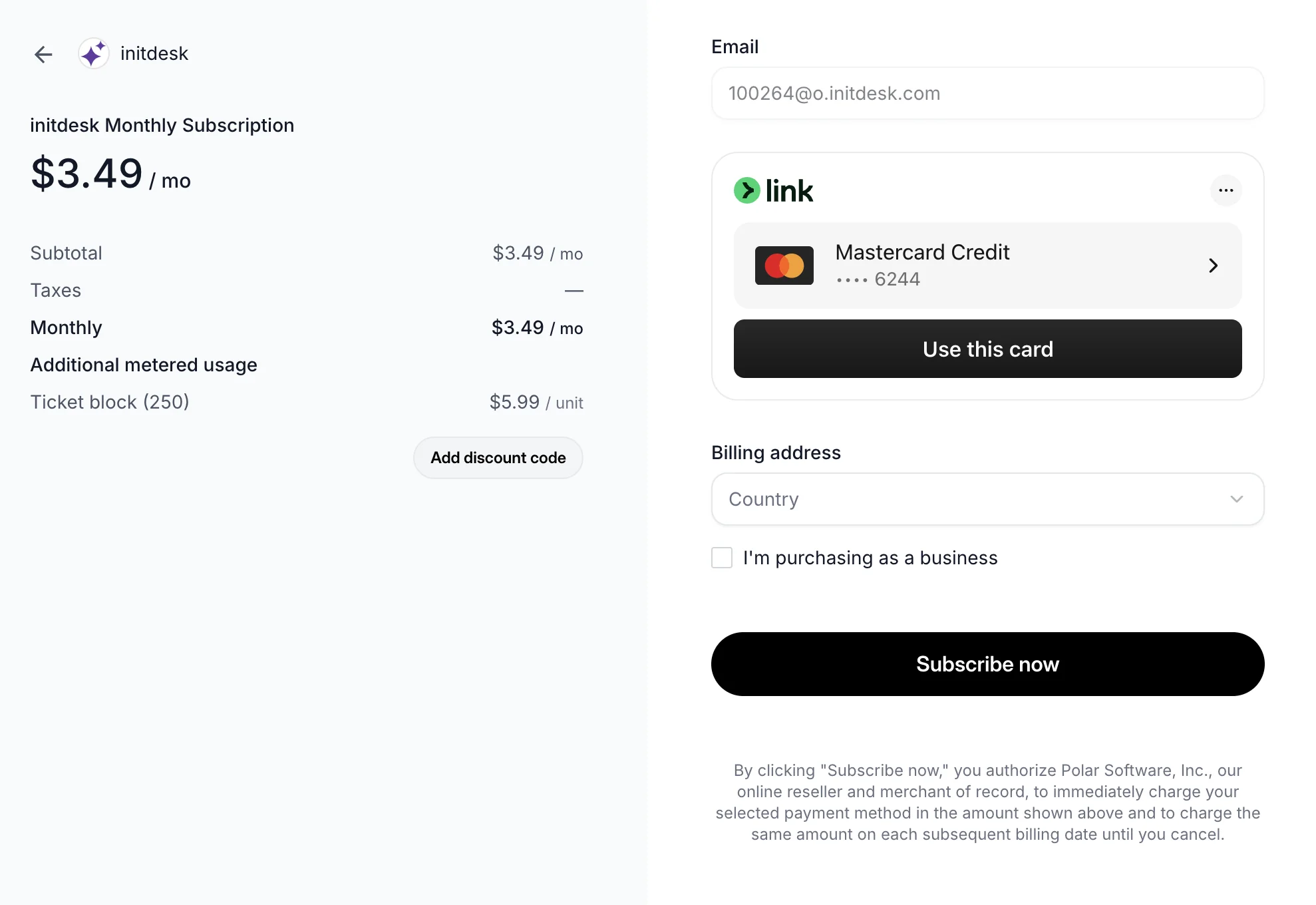
Subscriptions are now live

New organizations can start with a 14-day free trial, and after that billing follows the monthly ticket volume handled by the organization, not the number of seats.
We believe support software should encourage collaboration, not make it more expensive. Charging per seat often creates friction around headcount, limits who can access customer context, and makes support harder to scale across founders, support, ops, and product.
With initdesk, you can bring the whole team into the inbox with unlimited users, unlimited inboxes, and AI built into the product, not sold as a separate add-on per resolution. In many real-world scenarios, this can make initdesk up to 90% more affordable than traditional seat-based help desk tools.
Our soft launch ended on March 12, 2026. If you signed up during that period, you keep your 50% lifetime discount and can claim it using the same email address you used to register.
Subscriptions are now live
New Feature

AI overview

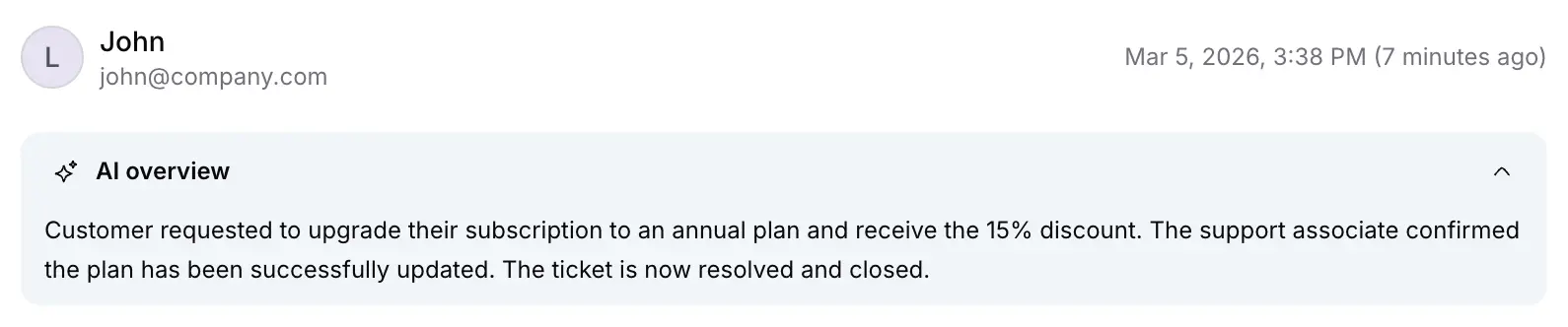
initdesk now shows an AI overview inside each ticket: a running summary of the key actions and outcomes in the conversation.
The summary updates on every ticket interaction, so your team can get up to speed faster. It's enabled by default for now, and soon you'll be able to control it per inbox in Settings > Inbox.
AI overview inside a ticket
New Feature

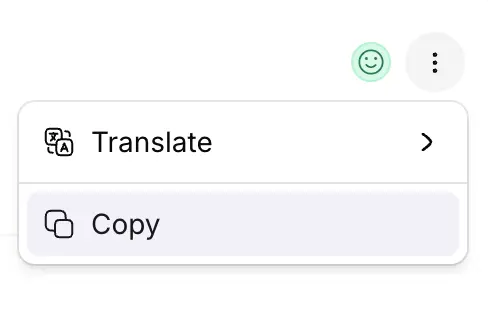
Copy message as Markdown

You can now copy any ticket message as Markdown.
This makes it easier to reuse conversations in docs, notes, internal handoffs, or AI tools without reformatting the content.
Copy a ticket message as Markdown
New Feature

Ticket sentiment analysis

initdesk now detects the overall sentiment of each ticket and shows its current mood as positive, negative, or neutral.
This gives your team a faster read on conversations at a glance and lays the groundwork for richer reporting in a future release.
Ticket sentiment analysis
Enhancement

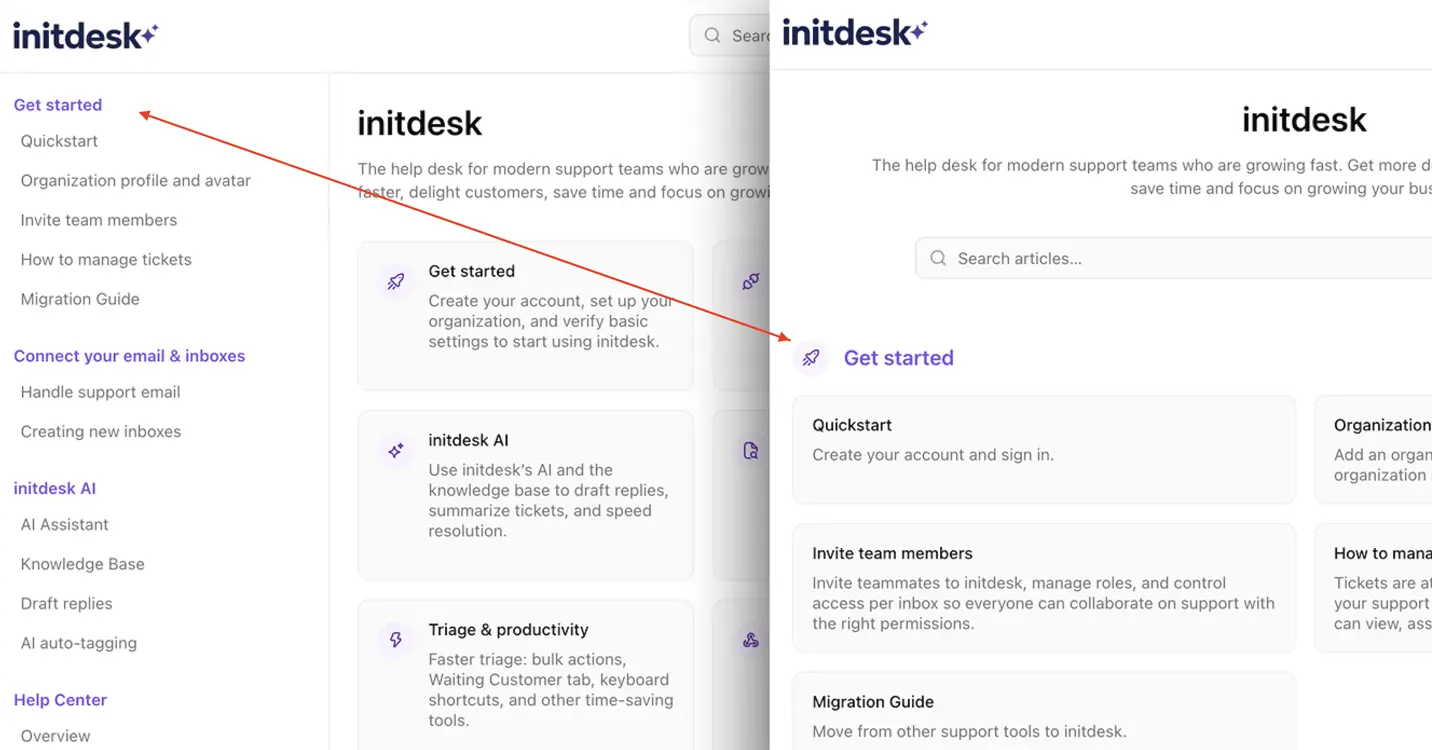
Help Center layout options

You can now choose how your Help Center is displayed—so the browsing experience matches your product, audience, and documentation style.

What's New

  • Two layout options: Use a left sidebar for a more technical, docs-style navigation, or a centered collections list for a simpler, more lightweight browsing experience.
  • Built for different use cases: Sidebar layouts work well for SaaS products with deeper documentation, while the list layout fits teams that want a cleaner, more approachable help center.
  • Hugeicons collection: Make your help center more visual with large icons for collections on the home page.
Pick the template that fits your brand and customers best.
Help Center layout options
New Feature

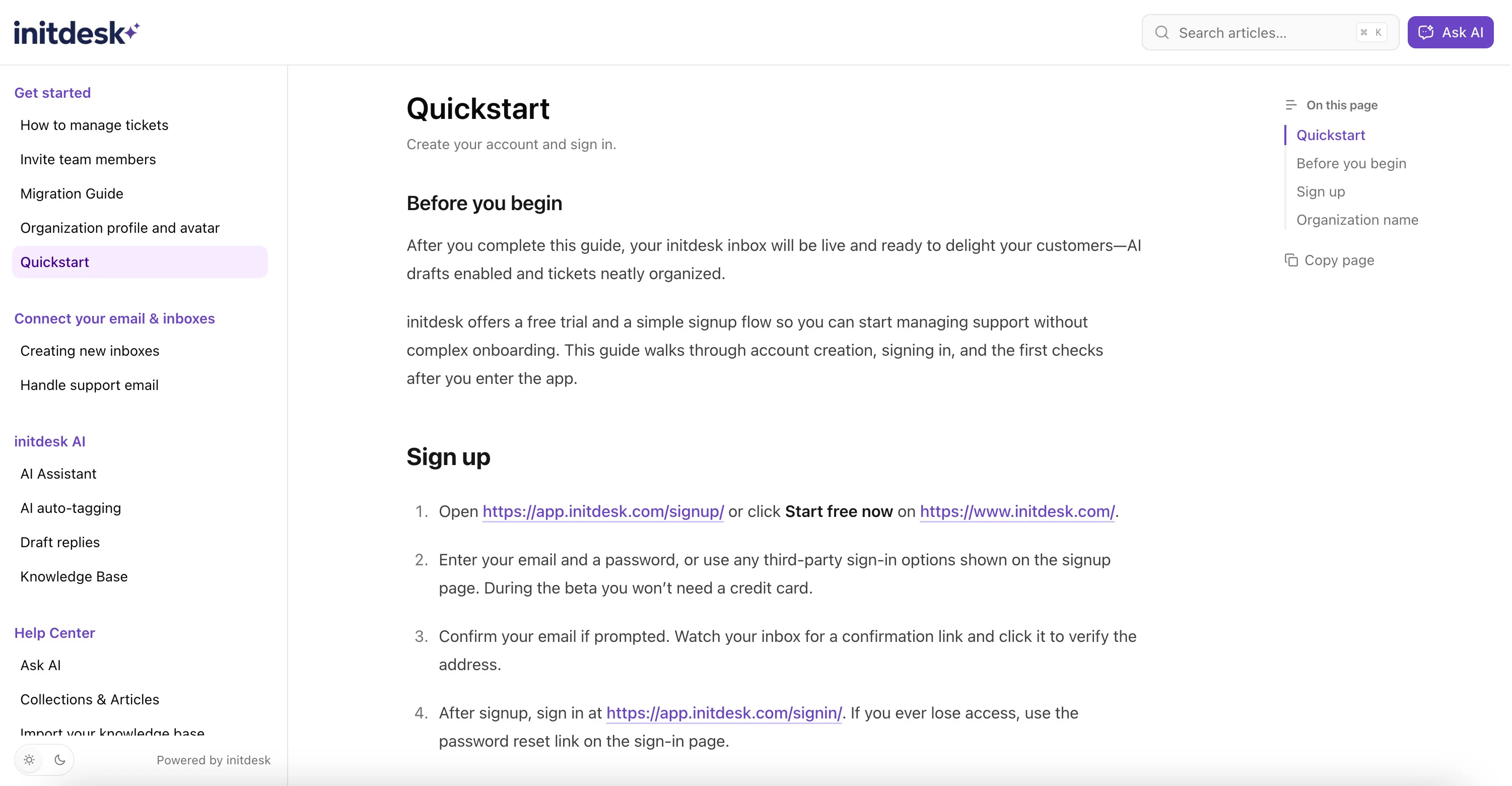
Help Center is live

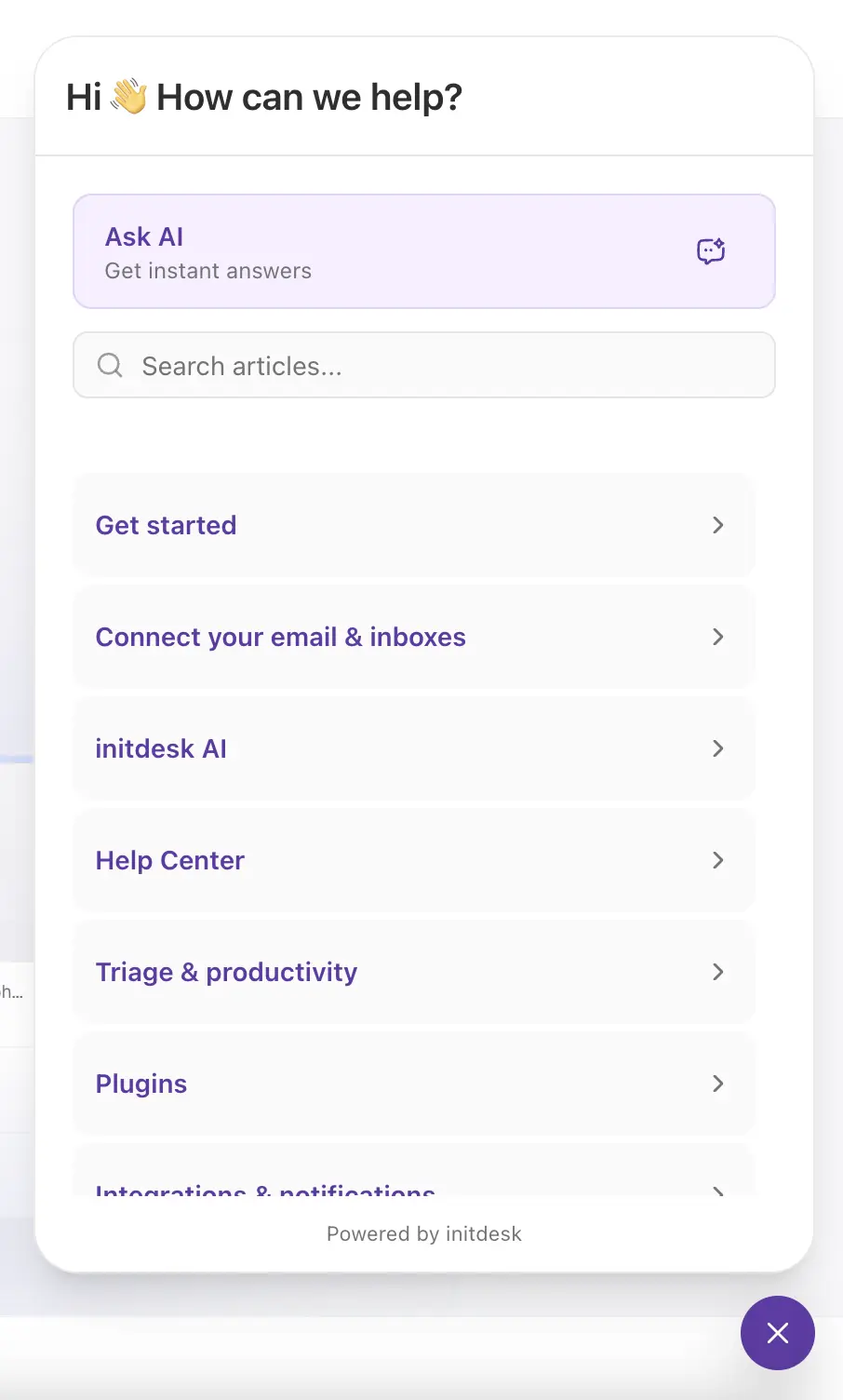
Today we’re launching Help Center: a fast, branded knowledge base with Ask AI built in—so customers can self-serve, get instant answers, and reach your team only when needed.
Already have a Help Center? Paste your site. Review drafts. Publish. That’s it.
initdesk's Help Center turns documentation into a living part of your support workflow—so every resolved ticket, published article, and help center chat interaction improves AI drafts, keeps answers consistent across your team, and reduces ticket volume over time.

What you get

1) A search-first Help Center

Customers can browse Collections & Articles or search for answers in seconds.

2) Ask AI — instant answers

Customers can ask questions in their own words and get answers based on only your published Help Center content.

3) Drafts and imports (nothing goes live without you)

Already have a help center? Import your existing public knowledge base to go live faster.
No public help center yet? Paste your website and let initdesk generate a first version of:
  • suggested collections
  • draft articles
Everything starts as Draft. You review what’s accurate, edit what needs tweaks, and publish only what you approve.

4) Continuous learning loop

Over time, initdesk surfaces high-impact knowledge gaps by analyzing resolved tickets, help center feedback, and chat conversations—so you always know what to document next.

5) llms.txt: Built for AI discovery

Help Center publishes an llms.txt index and a standard sitemap.xml by default—so AI assistants and search engines can quickly discover, understand, and navigate your documentation.
Ready to ship a help center that actually reduces tickets? Go try it now.
Help Center is live
Enhancement

New interface

We've launched a new interface to keep your workflow cleaner and faster, with a layout that helps you focus on what matters.
New interface
New Feature

User profile avatar

You can now upload a profile avatar. This makes it easier to recognize teammates at a glance, especially when selecting assignees.

How to set it up

  1. Click your avatar in the left sidebar
  2. Open Your profile
  3. Upload your avatar and save
New Feature

Organization profile avatar

You can now upload a profile image for your organization. This makes it much easier to spot which org is currently active—especially if you manage multiple products.

How to set it up

  1. Go to Settings → General
  2. Upload your organization image
  3. Save changes
Organization profile image upload in Settings > General